Quick Start Guide
Get up and running with Vocarrot in just a few minutes.
Sign Up
- Visit Login page
- Sign up using your Google account or by email
First Steps After Registration
1. Complete Onboarding
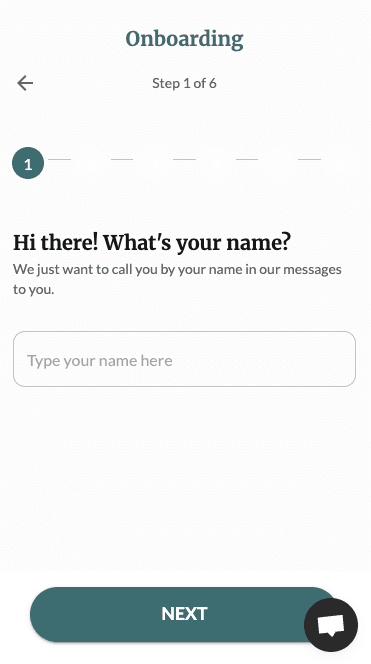
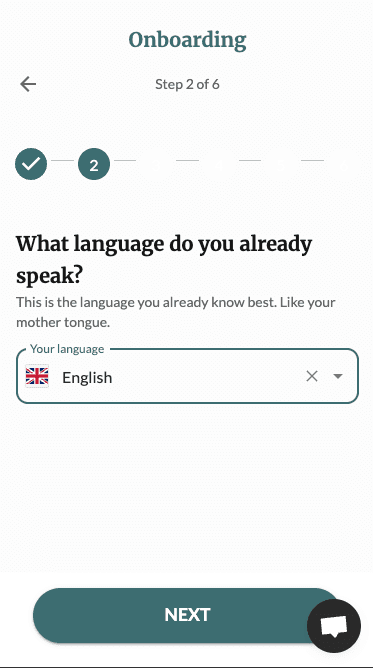
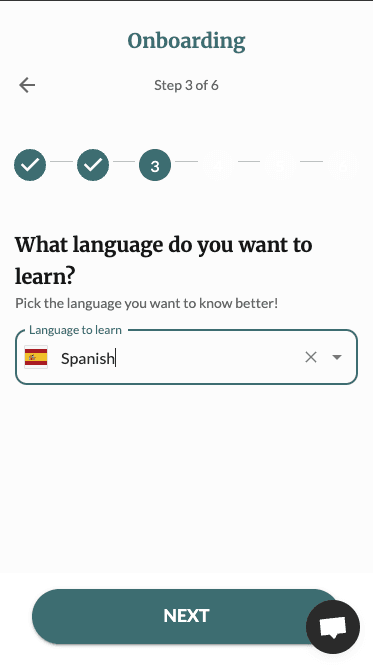
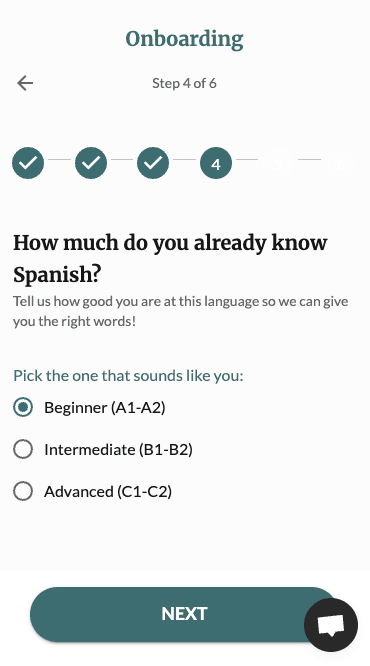
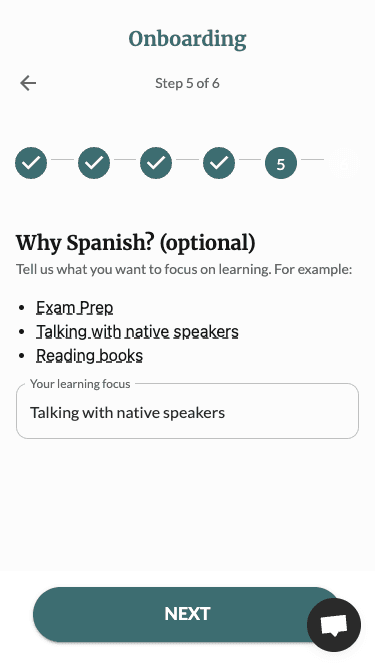
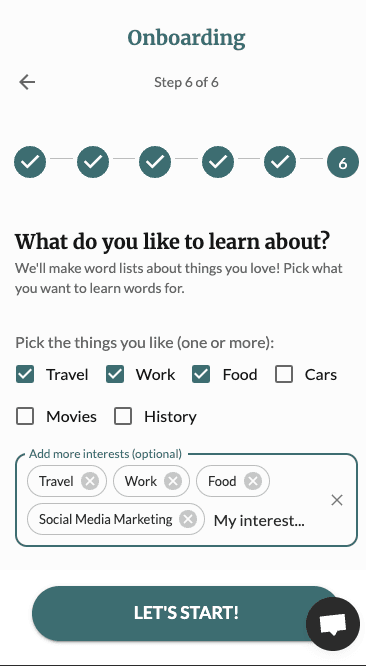
After sign in, the onboarding process is there to help you get started:
- 1. Tell us your name: This is simply used to refer to you in the app and communication.
- 2. Choose Your Native Language: This is the language of the translations.
- 3. Select Your Target Language: Choose the language you are learning.
- 4. Set Your Proficiency Level: Set your current level (A1-C2 on the CEFR scale).
- 5. Set your why: Set yourself a goal why you are studying.
- 6. Set your interests: This helps us create the first list for you based on your interests.
2. Start Practicing
After onboarding, you'll land on your dashboard where you can start practicing by pressing Practice now!
You can also practice individual lists:
- Navigate to your list in the Lists page
- Click "Practice"
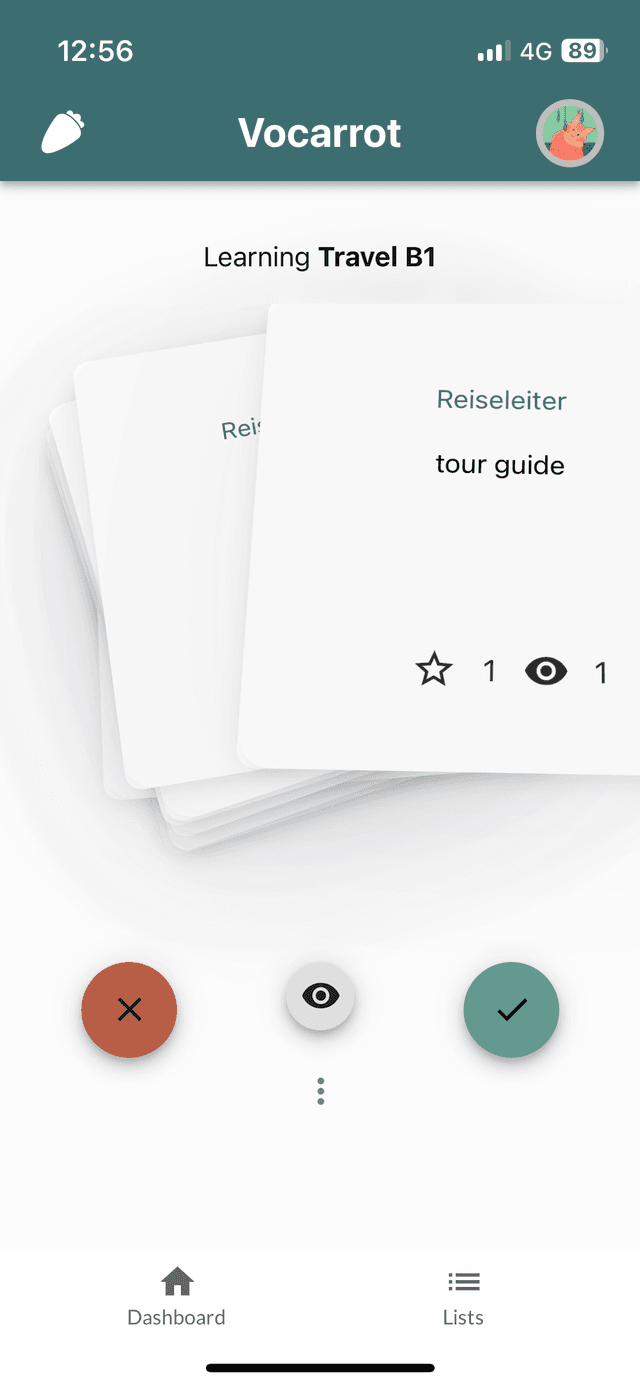
- Use the flashcard interface to mark a word correct or wrong
- The system tracks your progress
Learn more about Practicing Effectively.
3. Explore the Dashboard
After practice you can see your current progress for the words that are in your vault.
The Dashboard lists the difficult words that you should focus on next.
4. Create Your First Own List
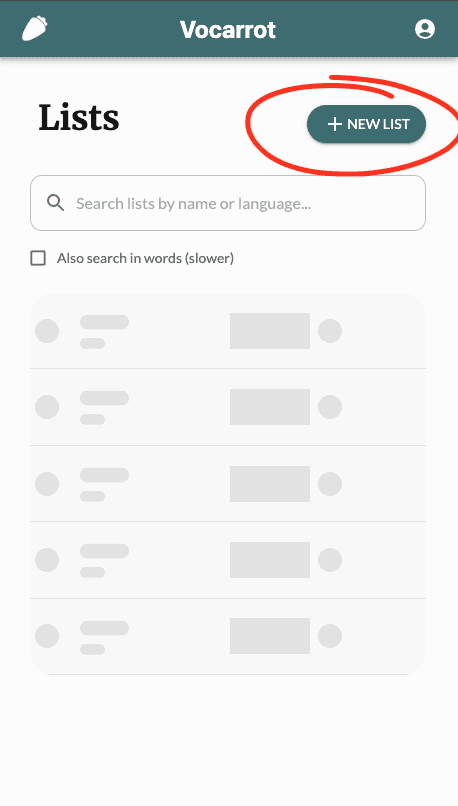
You can create a word list in several ways:
- Manual Entry: Add words one by one
- AI Import: Import words from text or documents (PDFs, images)
- AI Generation: Let AI generate words based on your level in the already created lists
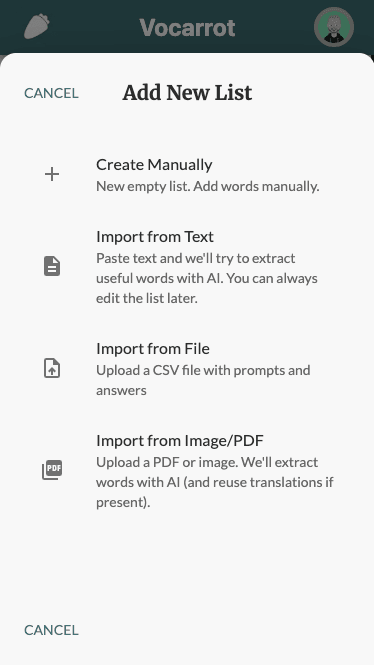
See our guide on AI import for detailed instructions.
Next Steps
- Explore Features to learn about all Vocarrot capabilities
Need Help?
If you have questions, you can:
- Use the in-app support chat (Crisp integration)
- Send us an email support [ạṯ] mail.vocarrot.com